

MetaMask - A Crypto Wallet & Gateway to Blockchain Apps
- What is an Ethereum Wallet?
- What is MetaMask?
- MetaMask Key Features
- MetaMask App & Browser Extension Download
- Setting up your Ethereum Wallet using MetaMask
- What's Next?
What is an Ethereum Wallet?
Ethereum wallets are applications that let you interact with your Ethereum account. Think of it like an internet banking app – without the bank. Your wallet lets you read your balance, send transactions and connect to applications. You need a wallet to send funds and manage your ETH.(1)
What is MetaMask?
MetaMask is a free cryptocurrency wallet software that you can connect to virtually from any platform that is based on the Ethereum blockchain. To learn more about MetaMask, watch their official introduction video linked below.
Related Links (MetaMask.io)
MetaMask Key Features

@2022 MetaMask • A ConsenSys Formation
Buy, store, send and swap tokens
Available as a browser extension and as a mobile app, MetaMask equips you with a key vault, secure login, token wallet, and token exchange—everything you need to manage your digital assets.
Explore blockchain apps
MetaMask provides the simplest yet most secure way to connect to blockchain-based applications. You are always in control when interacting on the new decentralized web.
Own your data
MetaMask generates passwords and keys on your device, so only you have access to your accounts and data. You always choose what to share and what to keep private.
Related Links (MetaMask.io)
MetaMask App & Browser Extension Download
Now that you've had a general introduction to MetaMask, it's time to start the wallet creation process. To download MetaMask for your web browser and smartphone, please click the links below to get started.

@2022 MetaMask • A ConsenSys Formation
Download the MetaMask Extension for Google Chrome
Download the MetaMask Mobile App for iPhone & Android
Setting up your Ethereum Wallet using MetaMask
In this section, we will provide a number of resources to assist you in setting up your Ethereum Wallet using MetaMask.
Google Chrome Extension
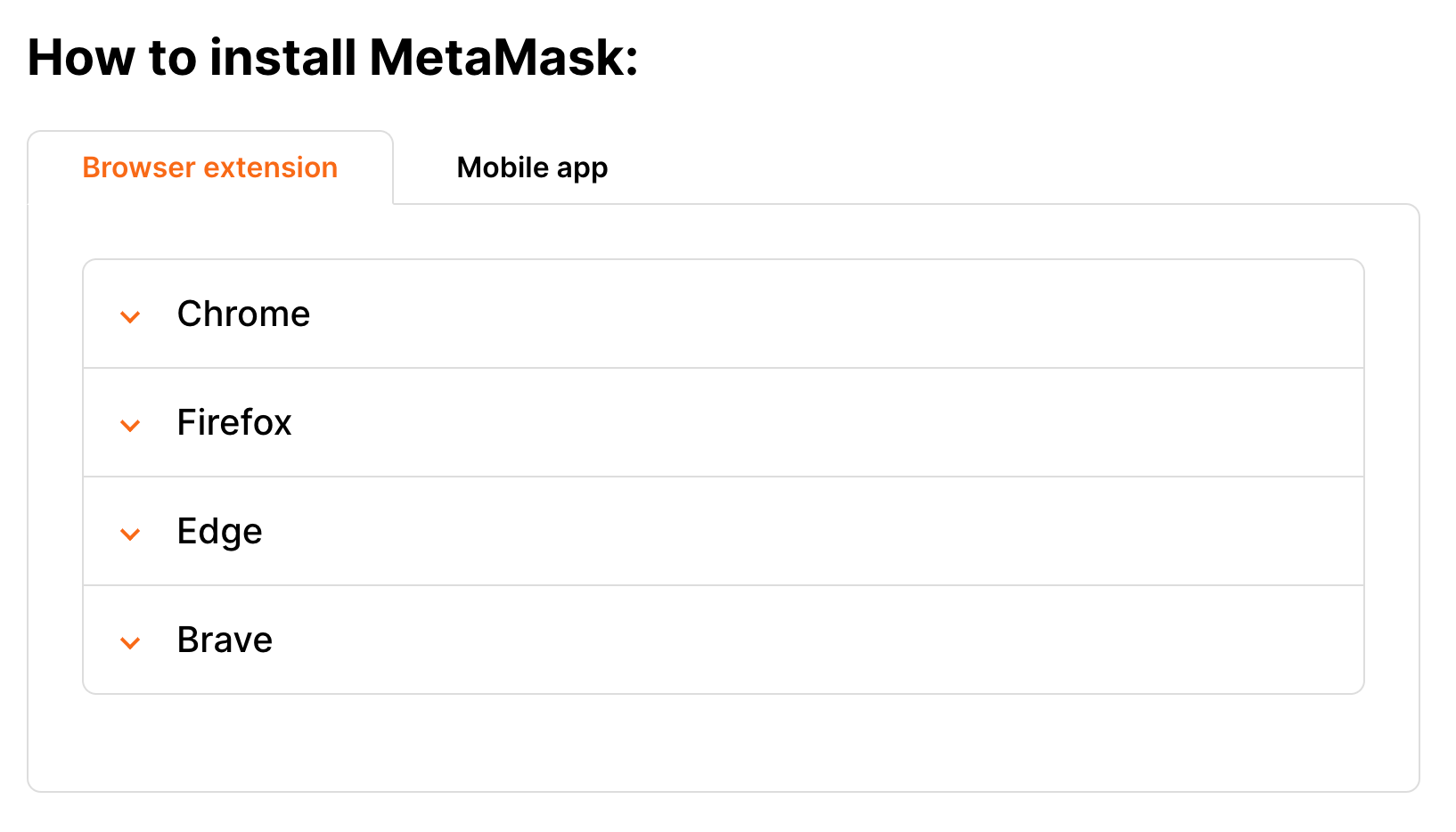
Watch the official MetaMask video below to receive a step-by-step walkthrough for setting up the MetaMask Extension in Google Chrome. Plugins/Extensions for Firefox, Opera, Edge, and Brave browsers are also available.
Firefox, Brave, Edge, & Mobile Devices
Read the official Getting started with MetaMask help article linked here for more information on setting up MetaMask using Web browsers Firefox, Brave, and Edge, and Mobile Devices (iOS, Android).
What's Next?
Now that you have set up your ETH wallet, you can explore and invest in the millions of collectable NFTs on OpenSea. Starting August 17th, 2022, the official PechaKucha Genesis NFT will be publicly listed there so keep an eye out for available listings!

© 2018 - 2022 Ozone Networks, Inc
Interested in learning more about the different NFT marketplaces out there? Take a look at the Forbes.com article Top NFT Marketplaces Of 2022 for more information.
Have further questions or concerns regarding MetaMask? You can browse for MetaMask help articles or contact their support staff via the official MetaMask Support Center.
Related Links
- MetaMask FAQs (MetaMask.io)
- MetaMask Channel (YouTube)
- MetaMask Support (Zendesk)
- MetaMask Community (Zendesk)
- MetaMask (Twitter)
Information Sources
Citations
(1) Ethereum Wallets. ethereum.org. (n.d.). Retrieved August 2, 2022, from https://ethereum.org/en/wallets/#:~:text=Ethereum%20wallets%20are%20applications%20that,funds%20and%20manage%20your%20ETH.
Comments
0 comments
Article is closed for comments.