
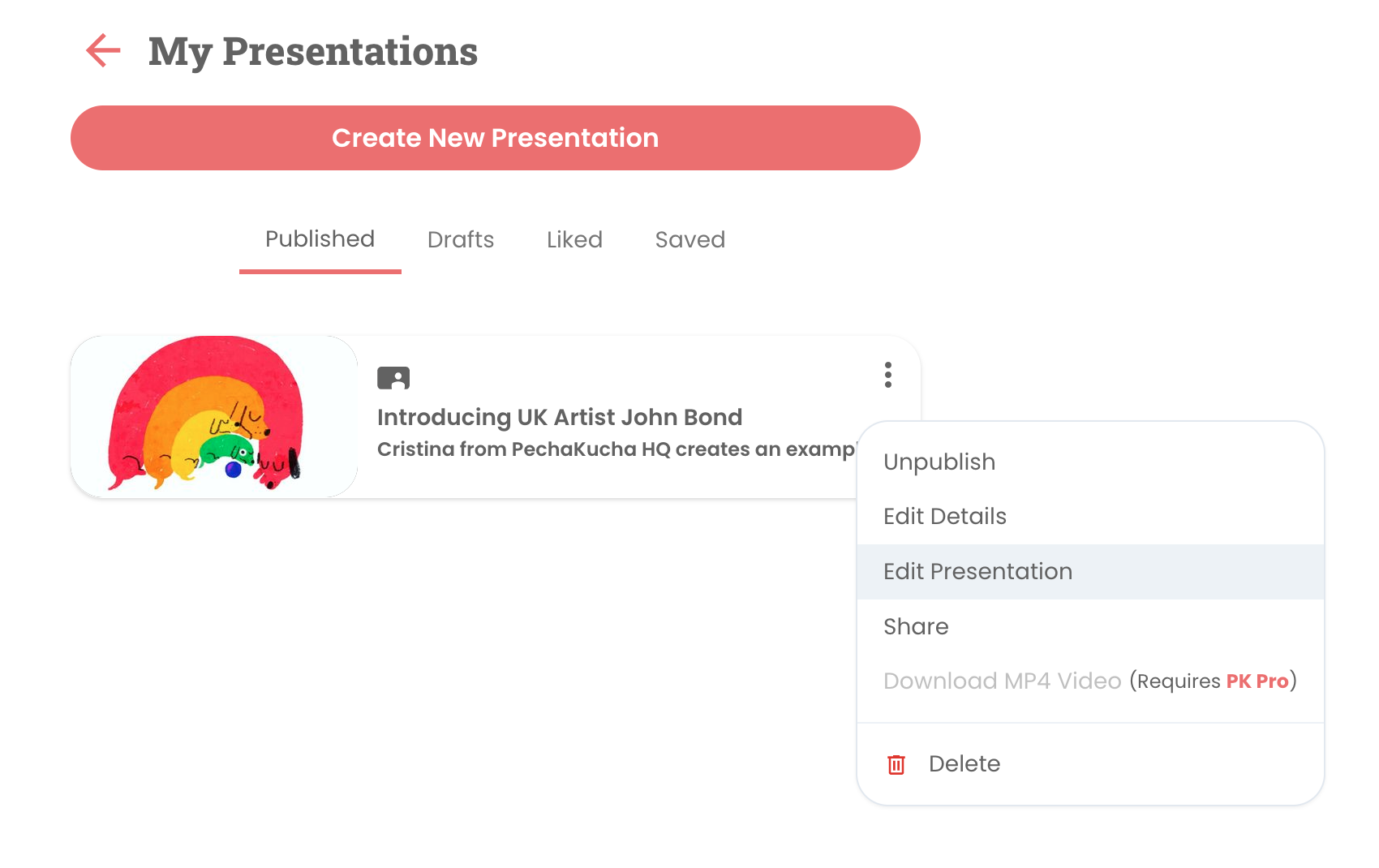
First, head over to your My Presentations page and click the three vertical dots to pop out the submenu and select Edit Presentation.
When on the Edit Presentation page, you can click on a slide to open the Edit Image tool.

To the slide while on the Edit Image page, please click on the Replace Icon to replace the image or the Trash Can to completely remove the slide altogether. Need to crop the image? select the Cropping tool.

Please be sure to click Save Image to save your changes.

Comments
0 comments
Article is closed for comments.